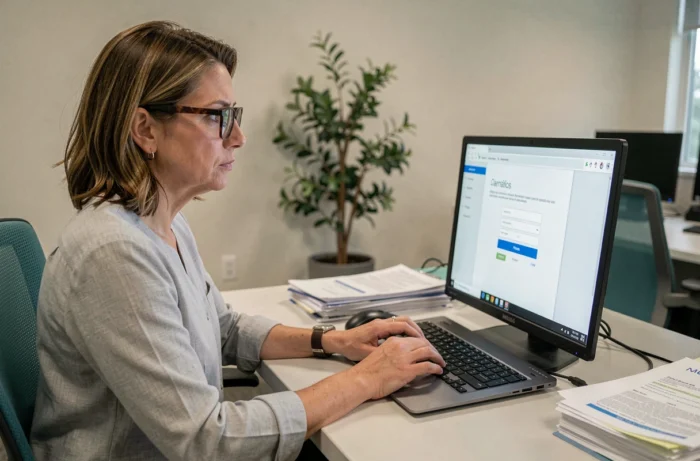
The Medisys portal (MedisysNet, telemanagement, HR and Family portal) relies on classic web authentication, but its connection malfunctions rarely stem from the password itself. An outdated browser, an overly aggressive security extension, or a deactivated account on the structure’s side can block access without any explicit error message being displayed.
Locked account or desynchronized profile: the invisible cause on Medisys
The majority of login failures to the portal are not related to a technical issue with the site. They originate from a deactivated employee or family profile on the structure’s side (home service, association, nursing home). The portal then displays a generic error that leads to the belief that there is a password issue.
Resetting the password in this case changes nothing. The account remains blocked until the digital referent or the HR service of the establishment has reactivated it. This distinction is crucial: the publisher’s hotline cannot unlock an account locked by the local administrator.
Before any technical manipulation, the first check is to contact the referent of the structure to confirm that the profile is indeed active and synchronized. A detailed guide on connecting to the Medisys portal reminds users of this preliminary step, often overlooked by those who go straight to troubleshooting the browser.
If the referent confirms that the account is active, the problem then lies with the workstation or the browser. Not before.
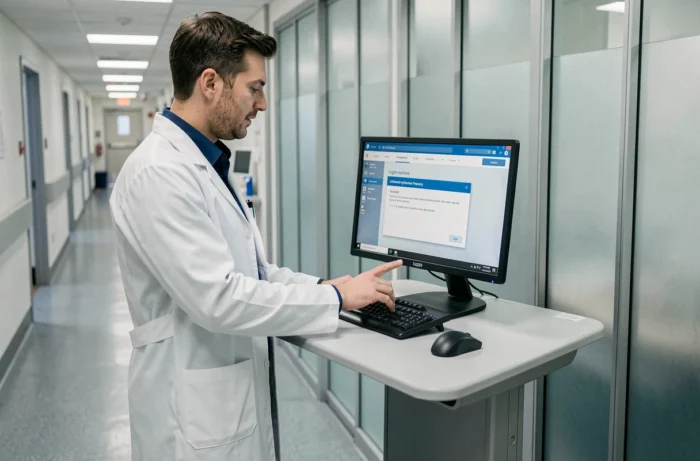
Browser and encryption protocols: technical prerequisites for the Medisys portal
MedisysNet uses recent encryption protocols to secure medical-social data exchanges. Older versions of browsers no longer support these protocols, resulting in blank pages or forms that refuse to validate.
Compatible browser versions
The HR and health portals of this generation work correctly on the latest versions of Chrome or Edge. Firefox remains compatible as long as it is up to date. Internet Explorer, even though it is still present on some workstations in establishments, no longer supports current standards.
To check the version of Chrome: menu (three dots) > Help > About Google Chrome. The browser will automatically launch the update if necessary. On Edge, the procedure is the same via Settings > About Microsoft Edge.
Expired cache and cookies
An overloaded browser cache retains outdated versions of the portal pages. The login form may then display an expired session token, rejected by the server without any visible explanation. Clearing the cache and cookies related to the domain medisysnet.fr resolves this type of blockage in one action.
On Chrome: Settings > Privacy and security > Clear browsing data. Check “Cookies” and “Cached images and files,” then limit the time range to “All time.”
Extensions and security software that block authentication
Blocking extensions are a common cause of malfunctions on management portals. The problem is even harder to diagnose since the extension operates in the background without notification.
The categories of extensions involved include:
- Ad blockers (uBlock Origin, Adblock Plus) that intercept JavaScript requests necessary for the authentication form
- Antivirus extensions integrated into the browser (Avast Online Security, Norton Safe Web) that filter HTTPS connections and may reject the portal’s certificate
- Corporate VPNs and proxies that alter the source IP address, causing rejection by the Medisys server firewall
- Password managers that auto-fill fields with incorrect credentials or inject code into the form
The most reliable diagnostic method is to open a private browsing window (Ctrl + Shift + N on Chrome). This mode disables all extensions by default. If the connection works in private browsing, the problem comes from an extension.
Then, simply reactivate them one by one to identify the one that blocks. This operation takes a few minutes and avoids a call to support.

Network settings in medical-social establishments
Medical-social structures (nursing homes, home care services, social sector associations) often use networks with web filtering. These corporate firewalls can block certain domains or ports necessary for the portal.
The HR and Family portal of Medisys uses several subdomains:
- v2.medisysnet.fr for the main portal
- dsn.medisys.fr for DSN management
- telegestion.fr for fixed and mobile telemanagement
If access works from a personal network (4G from the phone, home connection) but fails on the establishment’s network, the network filtering is likely blocking one of these domains. The IT service of the structure must then add these addresses to the firewall whitelist.
Another common pitfall in establishments: shared workstations where multiple users log into the same browser. Previous sessions that were not properly closed leave session cookies that conflict with the new authentication. Private browsing also resolves this issue.
Order of verification before calling Medisys support
Following a specific order allows most blockages to be resolved without contacting the hotline. The technical support cannot act on a locally locked account or on the browser settings anyway.
First, check the account status with the structure’s referent, then test the connection in private browsing, and then check the browser version. This sequencing eliminates the most common causes in a few minutes. Resorting to support is justified only when these three checks yield no results and the portal status page (visible on the login page of telegestion.fr) indicates normal service operation.